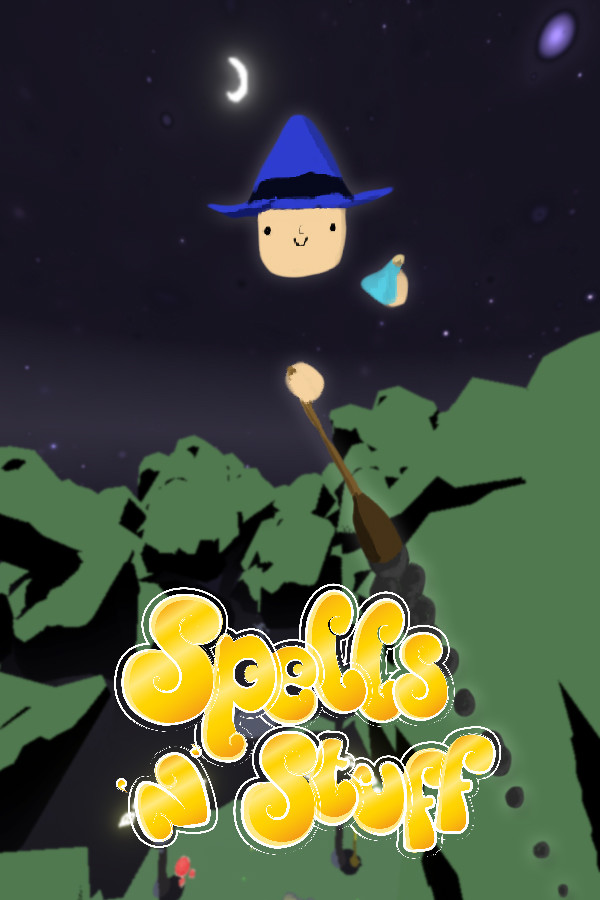
Spells 'n' stuff is a magic arena FPS built exclusively for VR. Battle your opponents with spells fired from your trusty wand that never leaves your side. Propel yourself into battle with your wands flying ability, or POOF yourself around fast with magic potions!
ActionIndieEarly AccessSingle-player
Live comparison
Choose your offer
Compare the platform, edition and region before choosing an offer.
Selected stores only
StoreProductPrice
No offers availableWe do not currently have a valid price for this game from the selected stores.
Price-drop alertWant a better price?
Get an email when a lower price is recorded for Spells 'n' Stuff.
Only price alerts for this game. Your email is not added to the newsletter.
Price tracker
Spells 'n' Stuff price history
Lowest recorded daily price from the enabled stores.
Current low—
Not enough price history yet.
30-day low—recorded history90-day low—recorded history
About the game
About Spells 'n' Stuff
A digital key is a unique code that activates Spells 'n' Stuff on a supported platform. Compare the region, platform and edition before purchasing, then redeem the code in the relevant launcher or console store.
Spells 'n' stuff is a magic arena FPS built exclusively for VR. Battle your opponents with spells fired from your trusty wand that never leaves your side. Propel yourself into battle with your wands flying ability, or POOF yourself around fast with magic potions!
Developer
Sour Soup Games
Publisher
Sour Soup Games
Activation
Steam
Release date
Apr 4, 2016
Platforms
PC
PEGI
Not listed
PC edition
Before you play
This information describes the Steam version. Console versions and other PC storefronts may differ.
Product
Base game
Status
Early Access
Date shown on the Steam listing
Apr 4, 2016. The PC release date above follows the publisher’s announcement.
Not supplied in the source. Check the Steam listing.
Game keys: your questions answered
What is a game key?
+
A key is a digital code redeemed on the platform specified in the offer to add a game to your own account. Check the edition, activation region and product type before buying: a gift or an account is delivered differently from a key.
How do I activate a key?
+
Use the platform stated in the offer. On Steam, sign in to the desktop app, open Games → Activate a Product on Steam, and enter the code. For Epic Games or GOG, sign in to your account and use the official code redemption page below. For other platforms, follow their official activation instructions. A Steam key cannot be redeemed on another platform.
Why can keys have competitive prices?
+
Prices can differ because of shop promotions, stock bought during earlier sales and competition between sellers. Edition, activation region and product type can also affect the price. Compare equivalent offers and check the final checkout price, any fees and the seller’s terms. KeysAreCheap compares offers; the purchase is made at the linked shop.